PhET Interactive Simulations for Active Learning in STEM
WHAT is PHET?

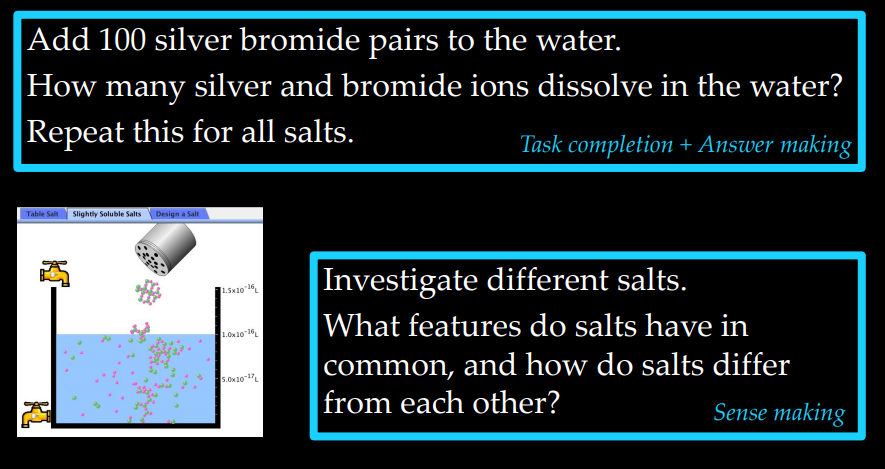
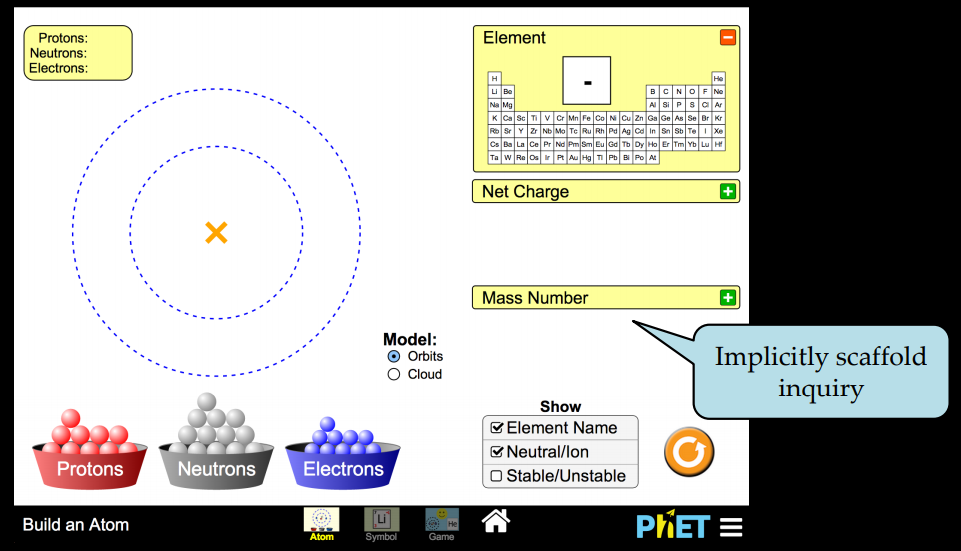
“PhET” originally stood for “Physics Education Technology,” but PhET soon expanded to other disciplines. The project now designs, develops, and releases over 125 free interactive simulations for educational use in the fields of physics, chemistry, biology, earth science, and mathematics. The simulations have been translated into over 65 different languages, including Spanish, Chinese, German, and Arabic; and in 2011, the PhET website received over 25 million visitors.
Access:
PhET simulations can be used on computers, tablets, and chromebooks but each has a slightly different set-up requirement. The simulations are free and do not require a license for educators and students but you do need an internet connection. If you wish to use the simulations offline, you can purchase them for $0.99 for an iPad in the Apple store. Depending on your computer, there are specific software requirements
Features of PHET
How to use PHET simulation? There are few simple step that you can follow.
1. Go to https://phet.colorado.edu/
2. Click “Play with Simulations”

3. Select your desired subject area from the menu on the left

4. Click on the simulation you wish to run

5. Start investigating!
6. If you have trouble getting the simulation to run, go to the help center where you will find answers to many of your questions, if not, contact the PhET.
Benefits of PHET in Teaching

Benefits of PHET in Learning

PHET simulation for Science Teaching and Learning
How to intsall Java on windows 7/8 (64bit/32bit)
PhET’s Java-based simulations use Sun Microsystems’ Java Web Start technology to launch the simulations. Video below shows steps to install java on windows 7/8 for 64bit/32bit.

 nadiahjune